The short version
Voice creates a draft, not nutritional certainty. Describe foods, quantities and toppings, review the proposal and confirm when it represents your meal.
How a voice food diary works: describe a meal, review foods and quantities, then confirm. Try the example and see Vesta in action.
One sentence. You have the final say.
Start with this example: correct the quantity and confirm the draft.
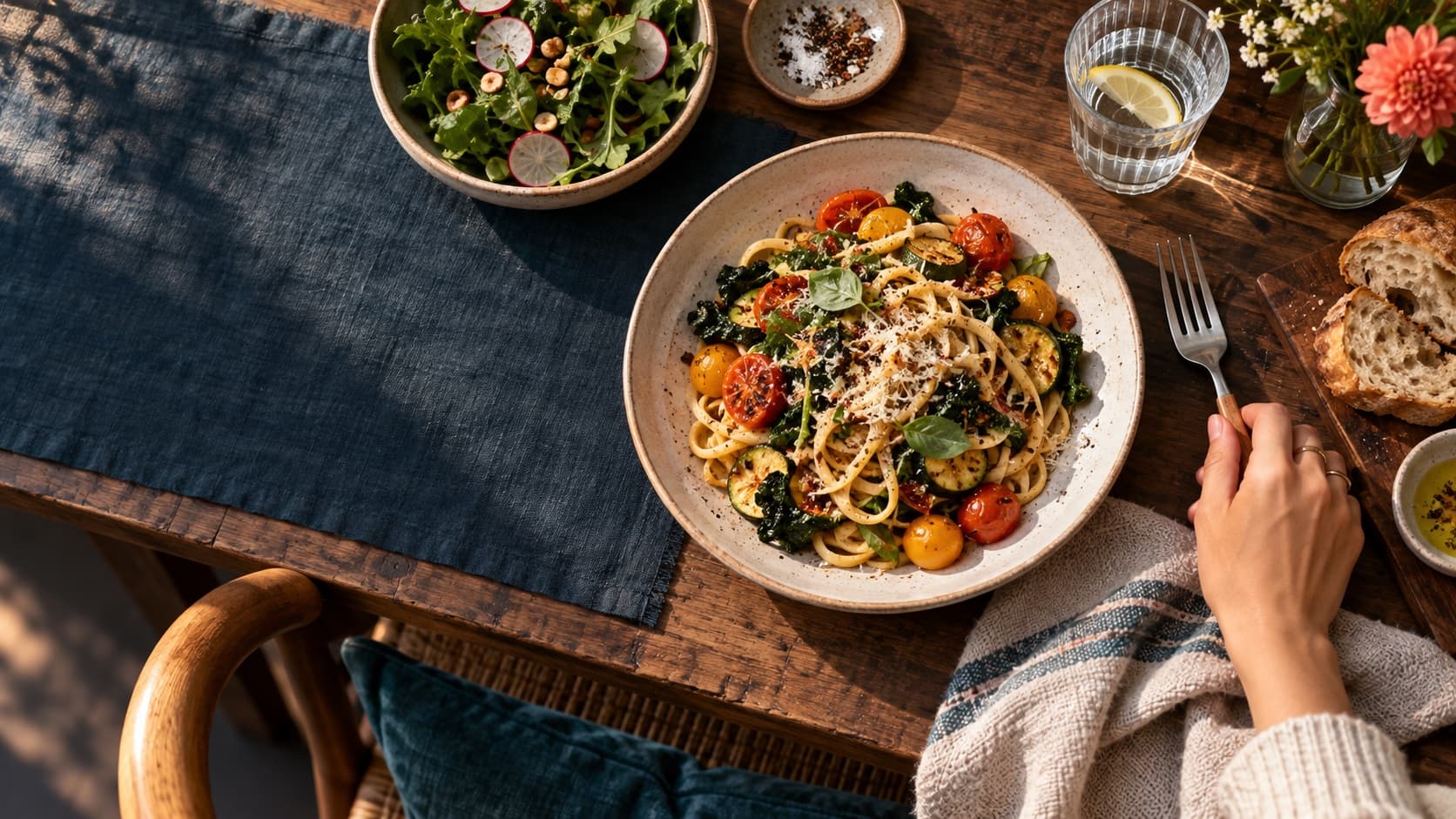
“I had 80 grams of pasta, weighed dry, with tomato, 10 grams of oil and 20 of Parmesan.”
Example transcript · microphone is not active
01 / REVIEW THE DRAFT
Was it 10 grams, not 20?
Correct the Parmesan. Before saving in the app, review the other foods and seasonings too.
Until you confirm, it stays a draft.
Illustrative demo, not the app. No account; reloading resets your choices.
What to tell a voice food diary
Start as if you were telling someone about lunch: “I had pasta with tomato sauce, Parmesan and olive oil.” Then add what you actually know: quantities, ingredients and preparation. You do not need to invent an exact weight to make the sentence sound complete.
For example: “Eighty grams of pasta, weighed dry, with tomato, ten grams of oil and twenty of Parmesan.” That is an example of wording, not a recommended portion. If a quantity is unknown, the draft needs extra attention.
- Mention dressings, drinks and additions too.
- Specify raw or cooked when you know the weight.
- For a particular product, check that the proposed food matches it.
Review is the important part
Transcription can misunderstand a word. Interpretation can select a similar but different food, or estimate an amount you did not mention. That makes review part of the diary, not a detail to skip.
In the demo, change Parmesan from 20 to 10 grams before confirming. The example is fixed: it does not listen to a microphone or analyse your meal. In the app, a proposal starts from your voice recording and needs checking before it is saved.
- Is it the right food? One ricotta is not identical to every other ricotta.
- Does the quantity describe what you ate or the whole package?
- Is a dressing missing, or an ingredient counted twice?
- 01DescribeWhat you ate, and how much if you know.
- 02ReadTranscription can contain mistakes.
- 03CorrectFoods, preparation and quantities.
- 04ConfirmThe meal joins your diary after review.
Calories are still an estimate
A tidy interface does not make an uncertain quantity exact. Estimates depend on the description, product, preparation and nutrition source. Voice reduces typing; it cannot measure what you do not know.
Vesta’s food atlas shows the reference sample, values per 100 grams and calculations for other quantities. Compare that reference with the actual product label when available. Do not use a generic estimate for clinical decisions.
From voice to your day, with your review
In Vesta, start with voice in Log, review the proposal and confirm. Photos, barcodes and manual search offer other ways to log when they suit the moment better. You do not need to use the same method every time.
The app separates permissions and consents for sensitive features. Read the in-app prompts and privacy policy before using voice recording and processing. This page’s demo needs no microphone, account or personal data: it simply explains the journey.
NOW, INSIDE VESTA
Your meal finds its place.
After confirmation, your diary feeds Today: logged meals, water and your daily context.
Actual app screenshot with illustrative data.
Now try organising your week.Explore foods, portions and sources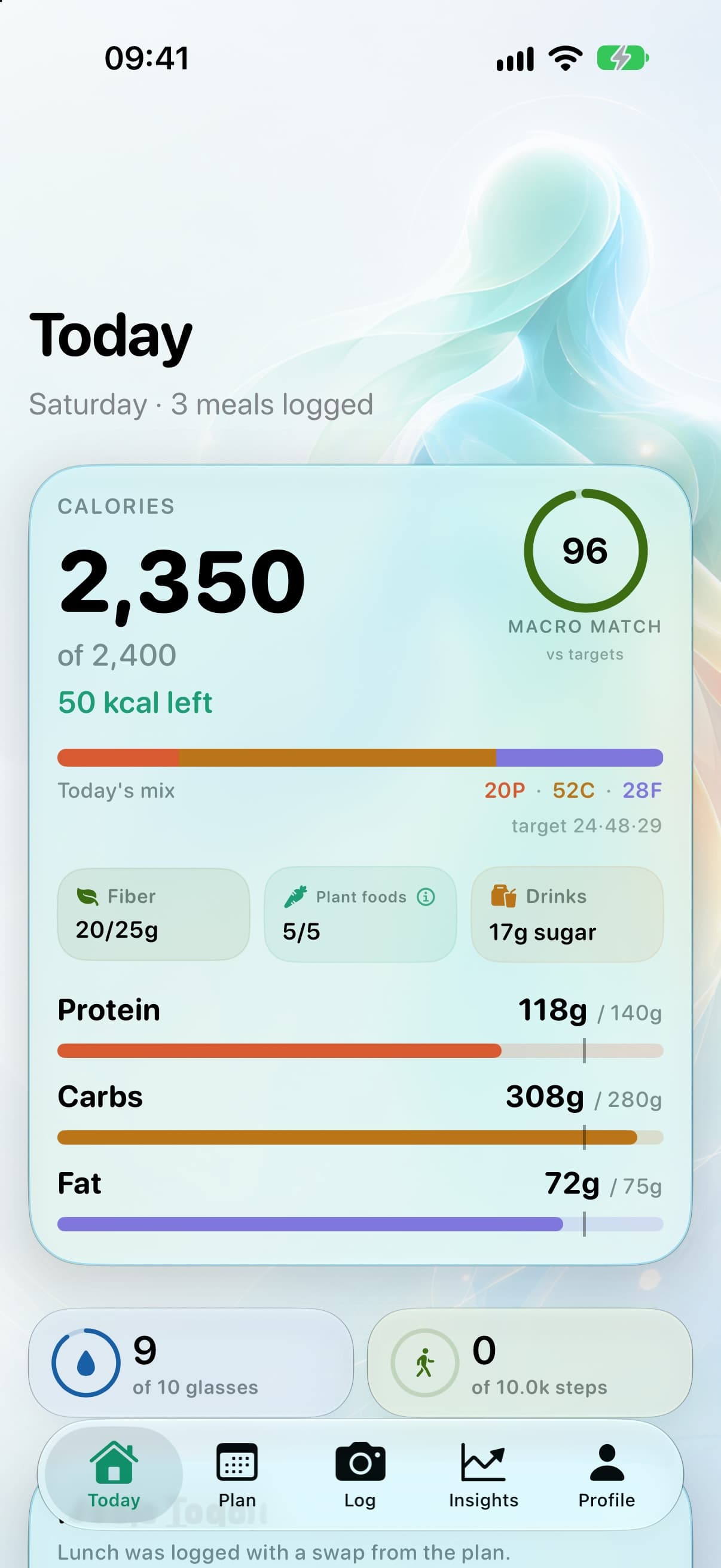
See it happen.
Recorded app demos. Press play when you are ready.
Describe lunch, review foods and quantities, then confirm. AI-created cartoon and recorded demo with waiting time edited out.
Video in Italian, with English captions.
05 / FAQ
Frequently asked questions
Does voice save a meal immediately?
Vesta presents a result for review. Check foods and quantities, then confirm to add it to the diary.
Can I correct a quantity?
Yes. Review lets you correct the proposal before saving. If a food is wrong, check its identity as well as its weight.
What if I have not weighed the meal?
Describe what you know, but an estimated amount remains uncertain. Review the proposal and do not treat its values as an exact measurement.
Does this page use my microphone?
No. The transcript and ingredients are prepared examples. No audio is recorded or sent.
Sources and method
Primary sources used for this guide. Drafted with AI assistance and checked against the cited sources; consult the originals before important decisions.
This article provides general wellness information. It does not replace personalized medical, nutrition or professional guidance.